
A tour of Merv
Follow one job from the morning list to the customer's proposal. These are real screens from the app, filled with demo data.
-
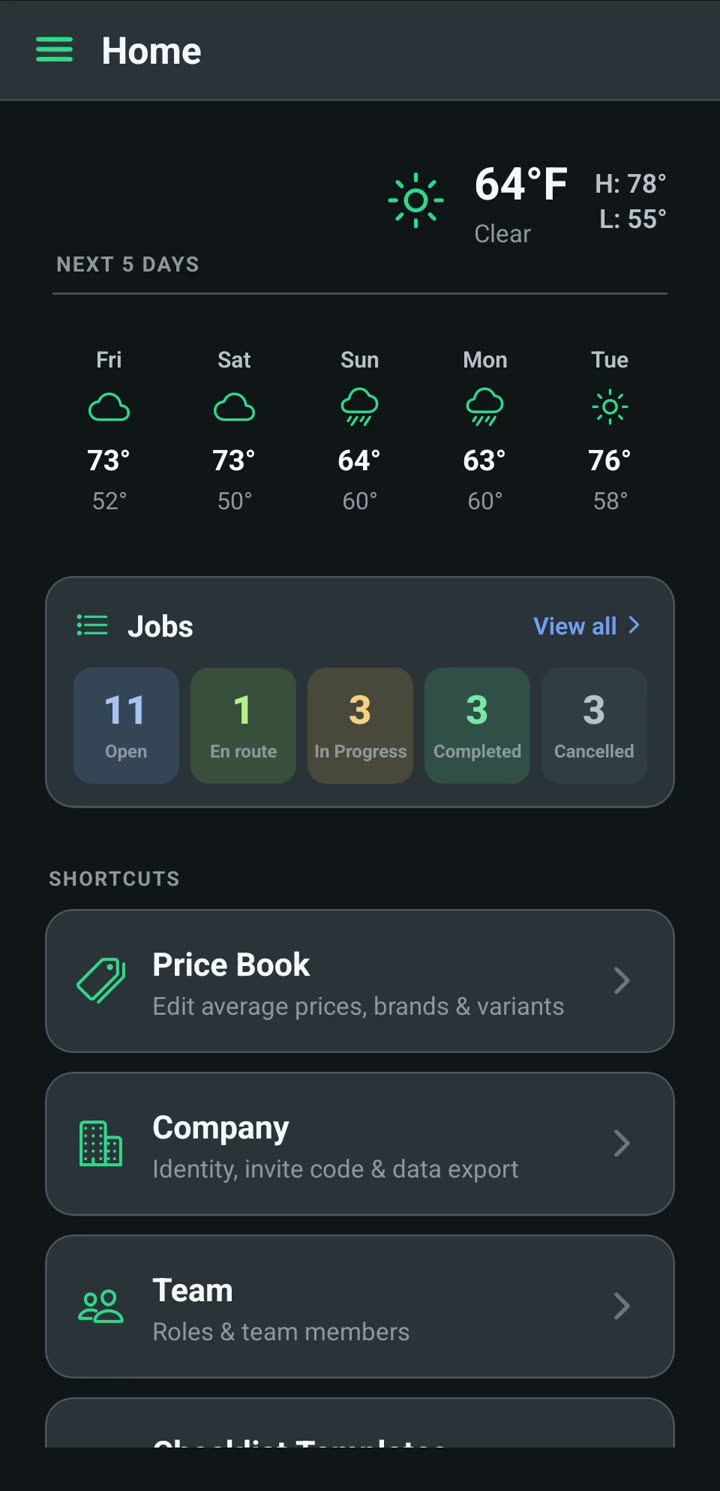 Step 1 of 11
Start of the day
Home shows the week's weather and where every job stands: 11 open, 1 on the way, 3 in progress.
-
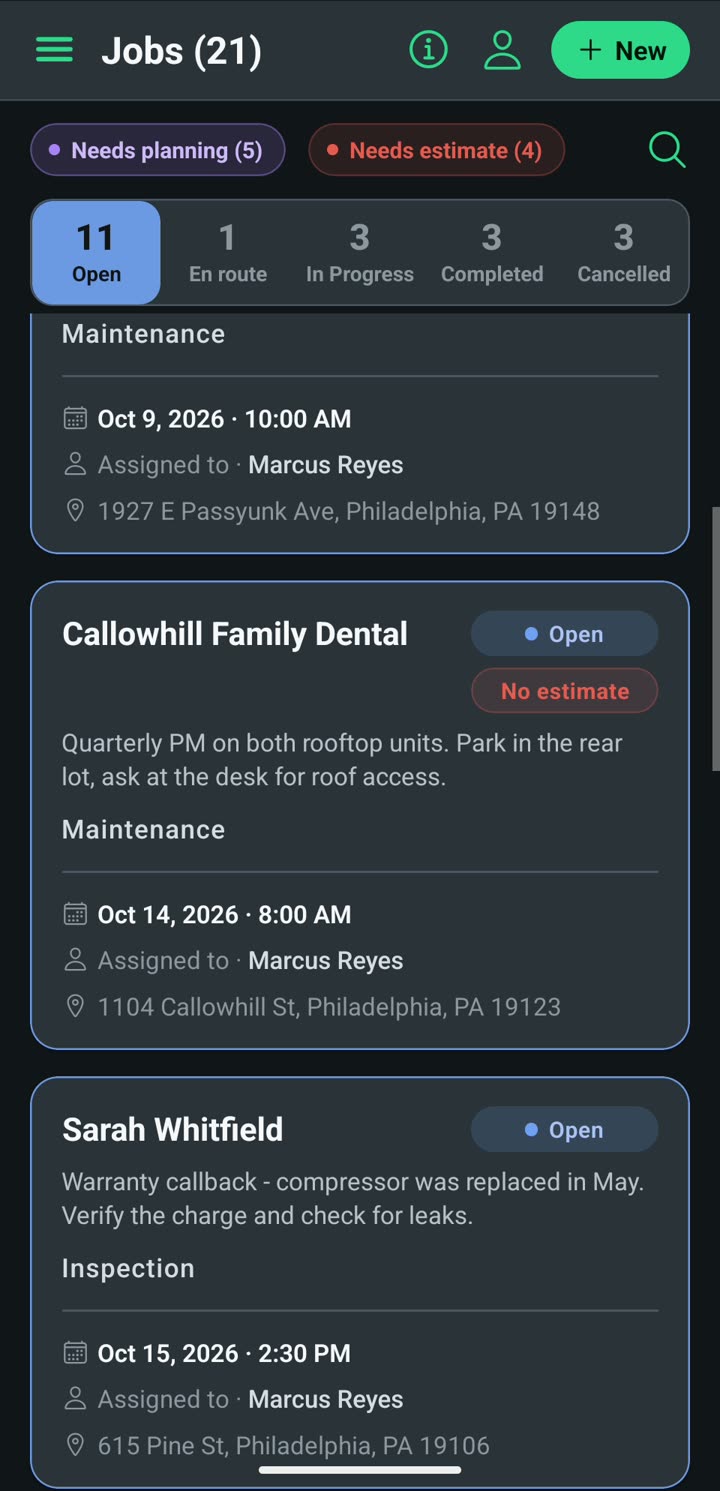 Step 2 of 11
Every job, sorted by where it stands
Tabs for Open, En route, In progress, Completed and Cancelled. The flags above them pick out jobs that still need planning or an estimate.
-
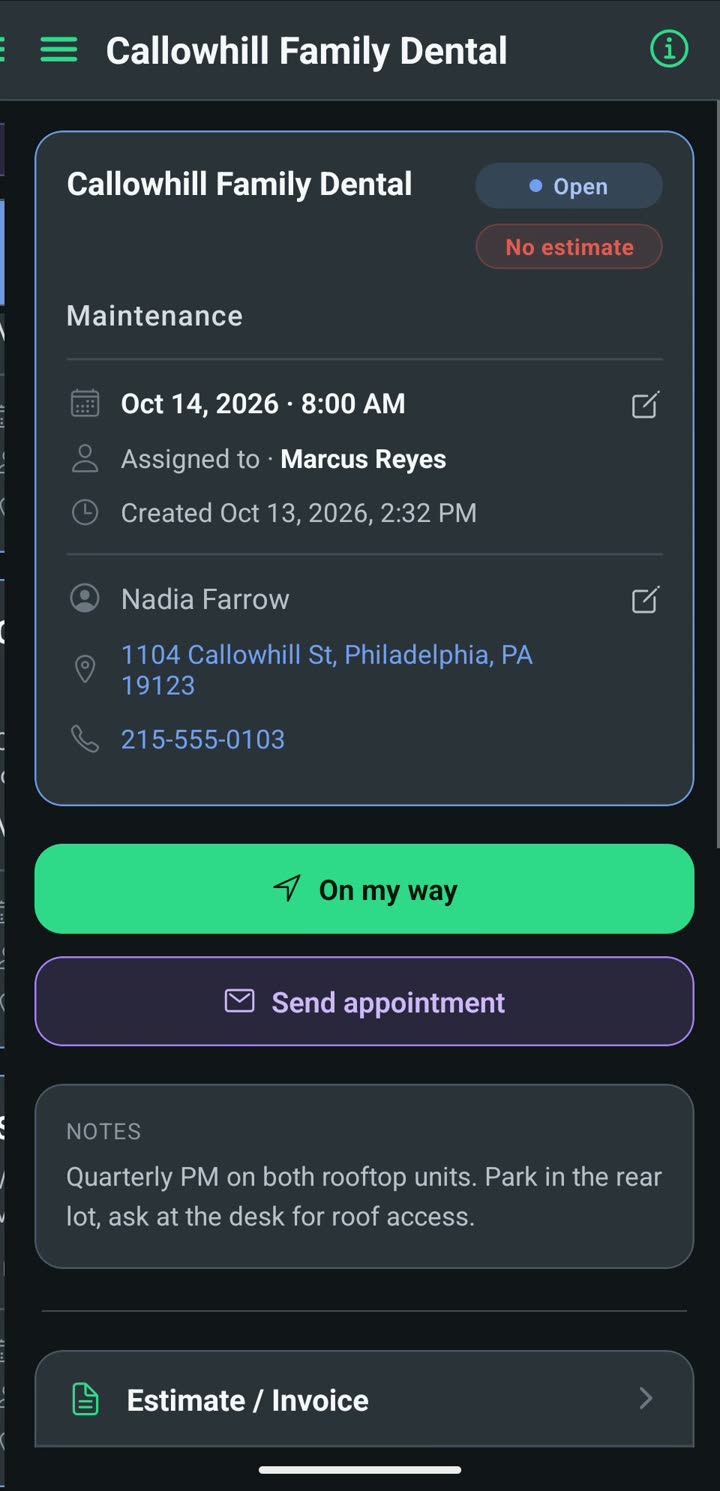 Step 3 of 11
One job: Callowhill Family Dental
Date, technician, customer and the office's notes on one card. The address and phone number are a tap away.
-
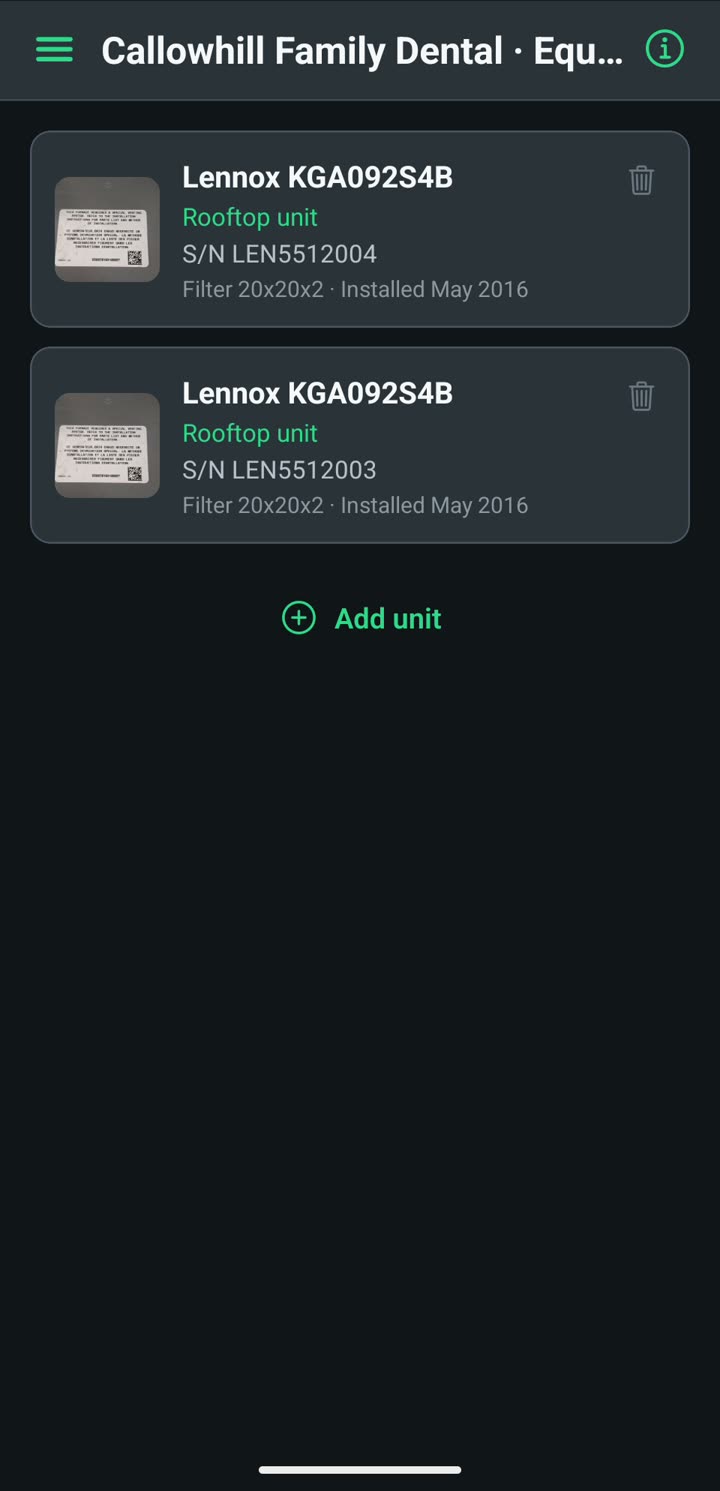 Step 4 of 11
The units on site
Both rooftop units with serial numbers, filter sizes and install dates. A photo of a nameplate fills these in.
-
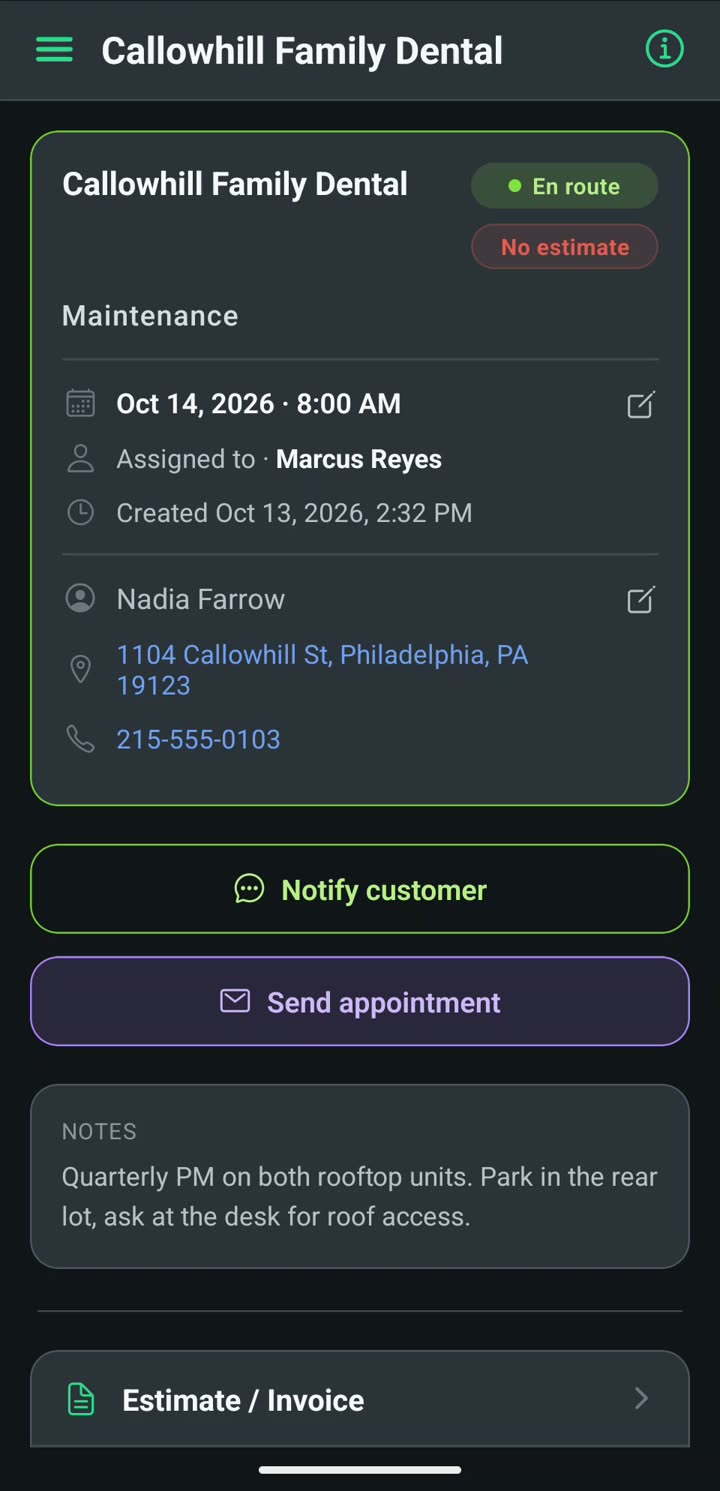 Step 5 of 11
On my way
One tap marks the job en route. Notify customer opens a text that's already written.
-
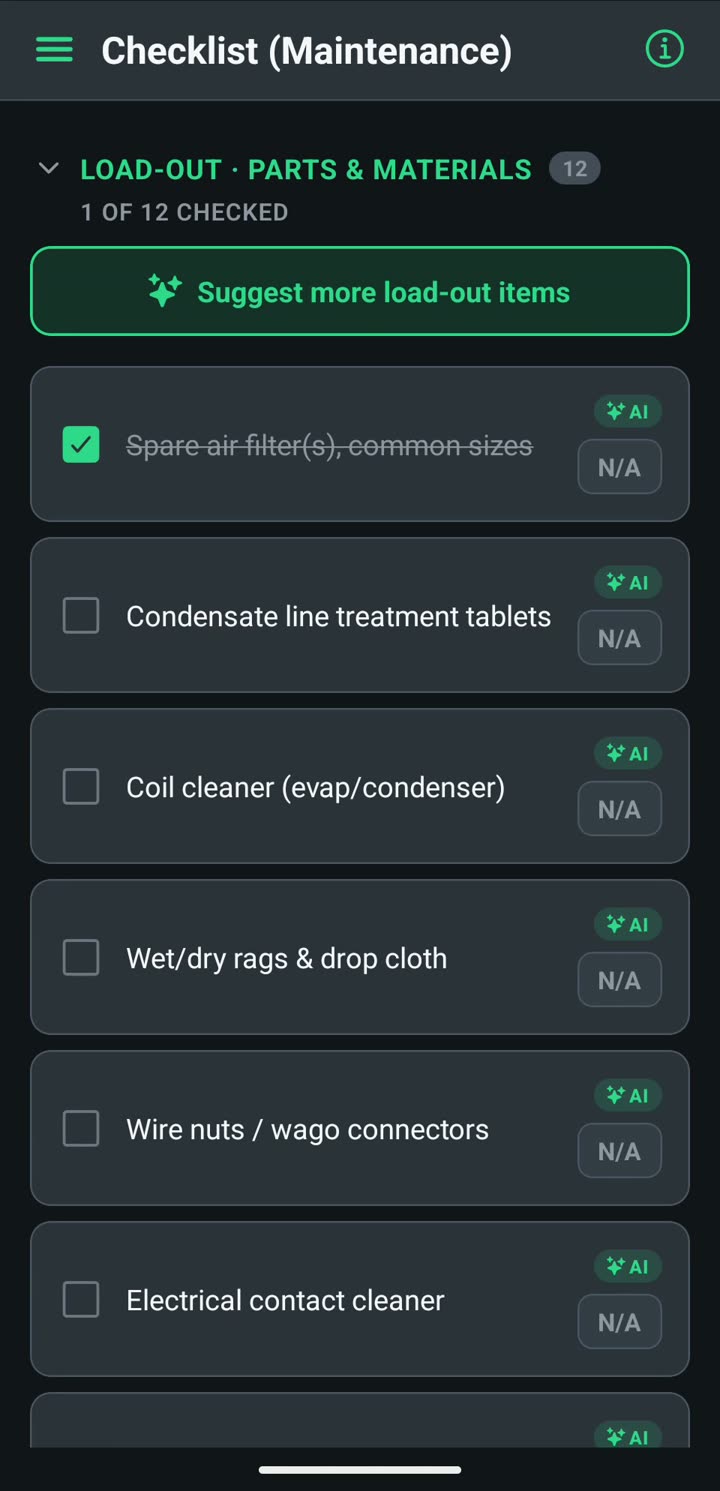 Step 6 of 11
What to bring
The load-out list comes from the estimate's parts, and Merv suggests what's missing. Ticking the first item offers to start the job.
-
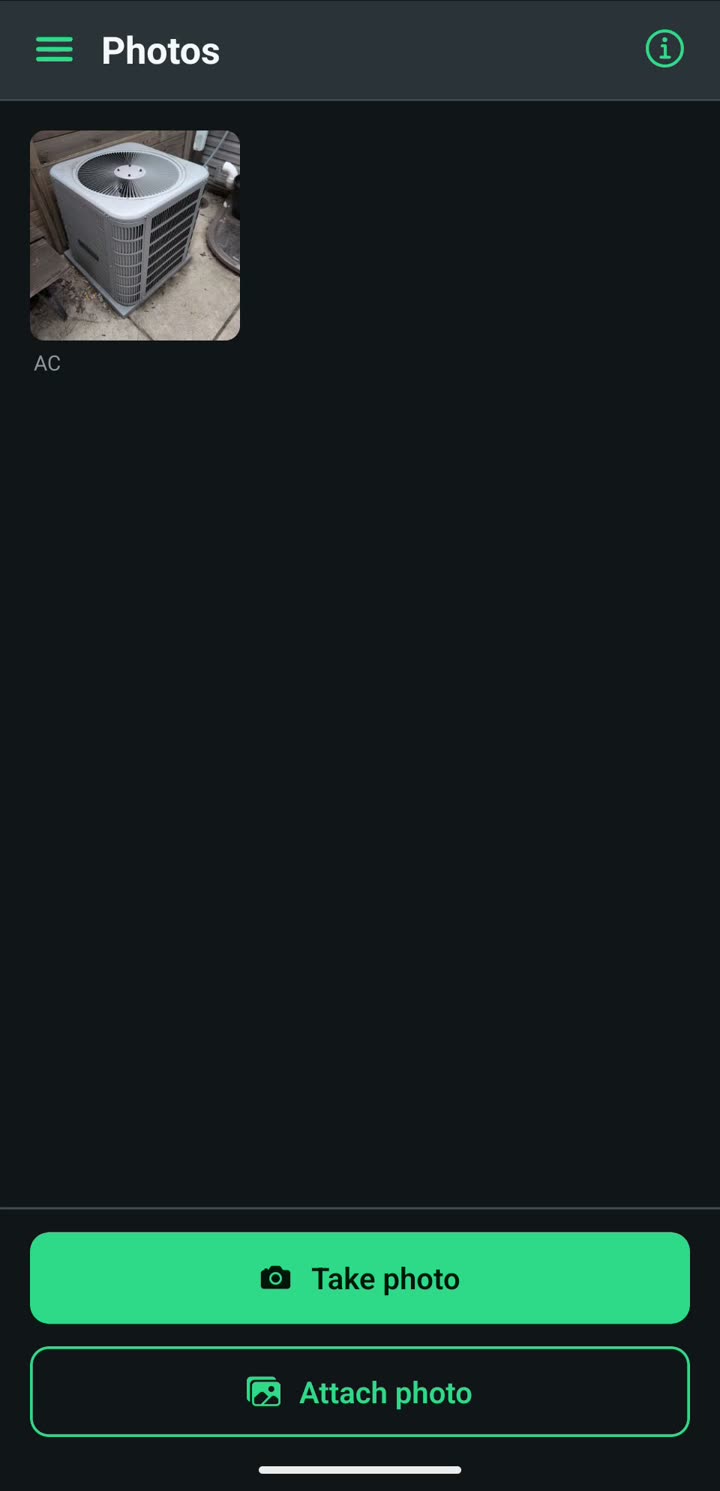 Step 7 of 11
Photos stay with the job
Take or attach photos straight into the job and caption them. Here, the condenser out back.
-
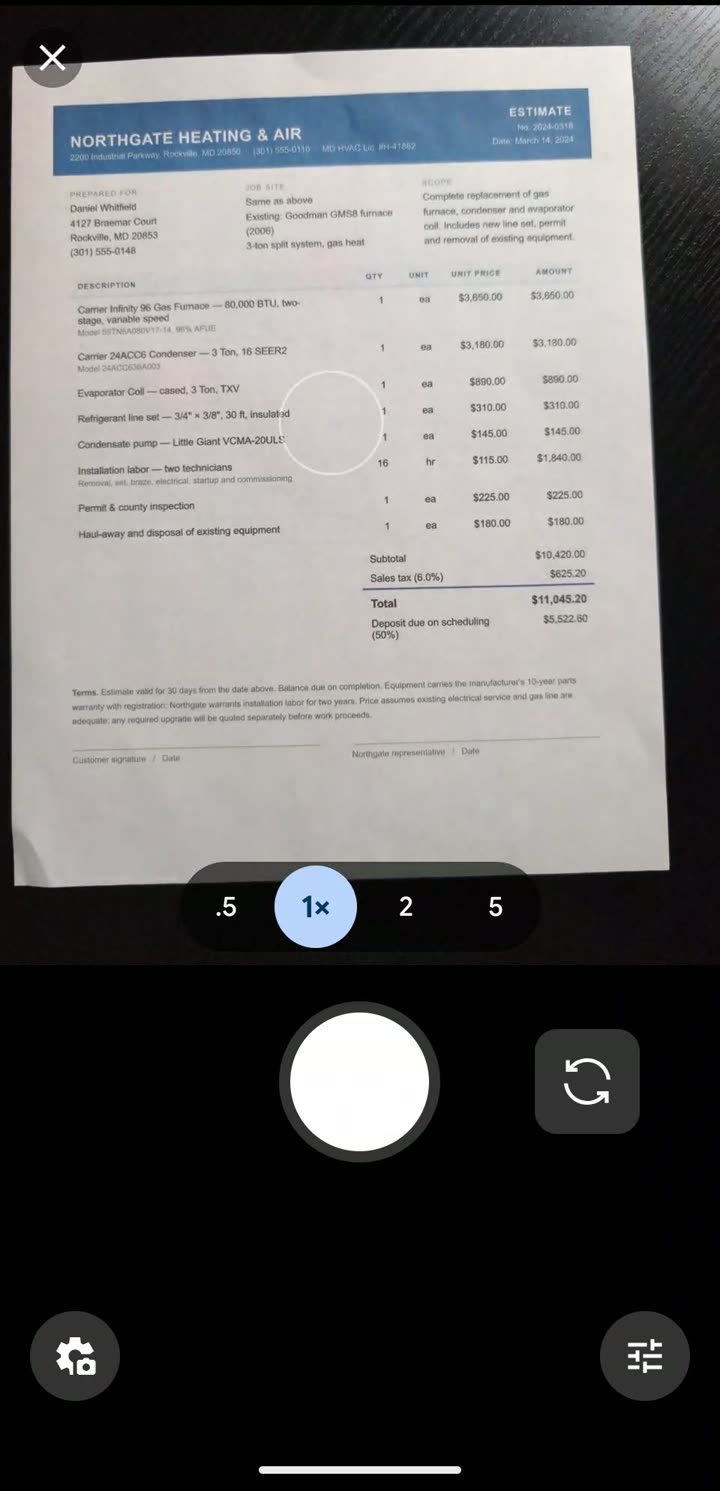 Step 8 of 11
Snap an old quote
In Plan the job with AI, photograph a printed estimate from a past job.
-
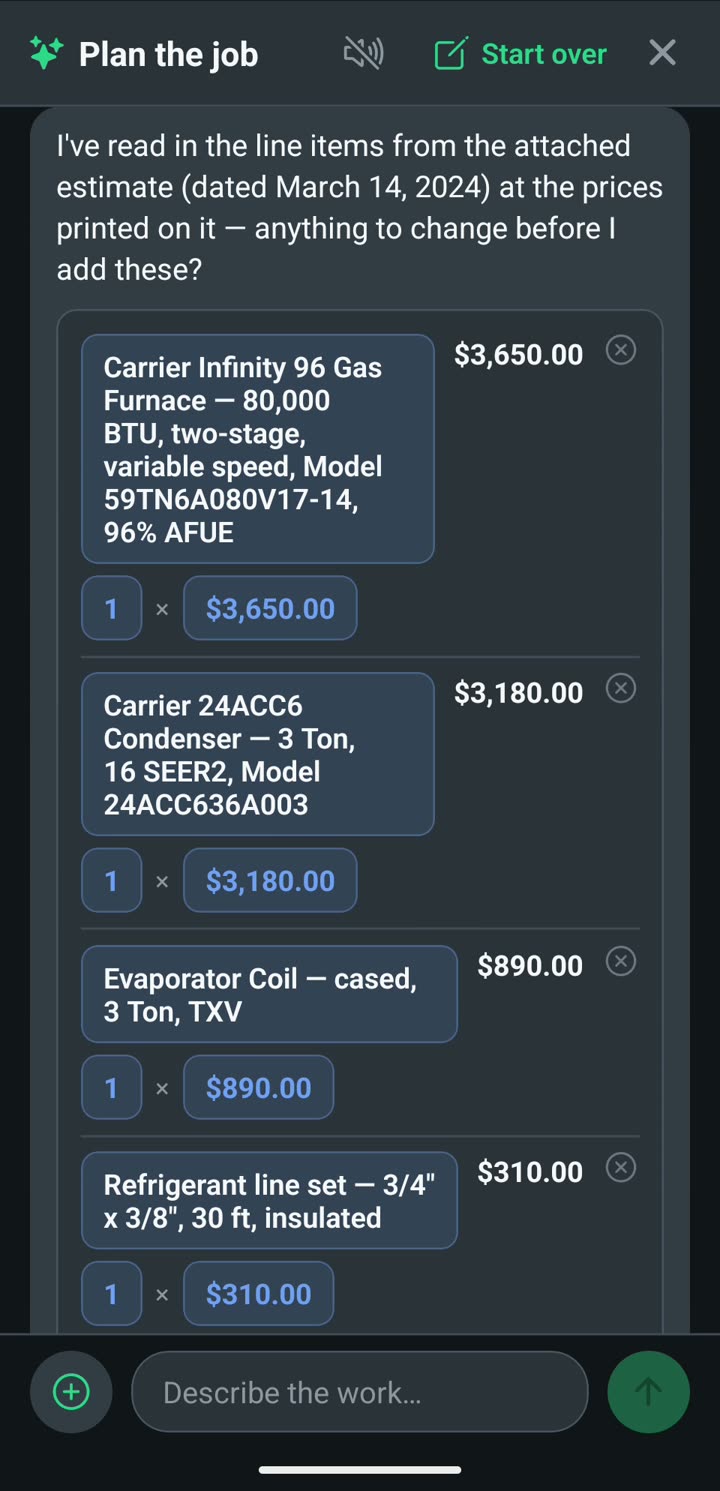 Step 9 of 11
Merv reads it into lines
Every item and price comes off the paper, ready to edit before anything is added. The customer's name and address are left out.
-
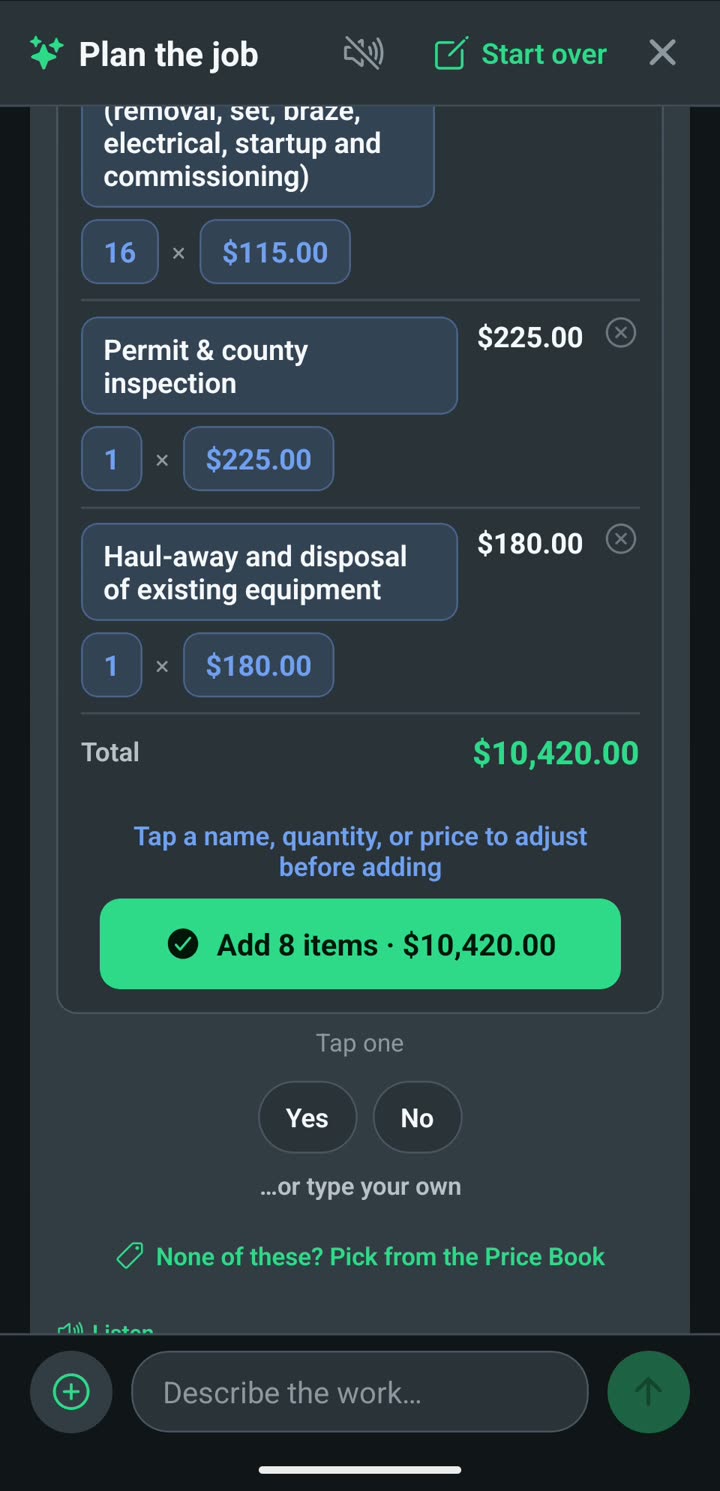 Step 10 of 11
Add them in one tap
Eight lines, $10,420.00, the same total as the printed quote.
-
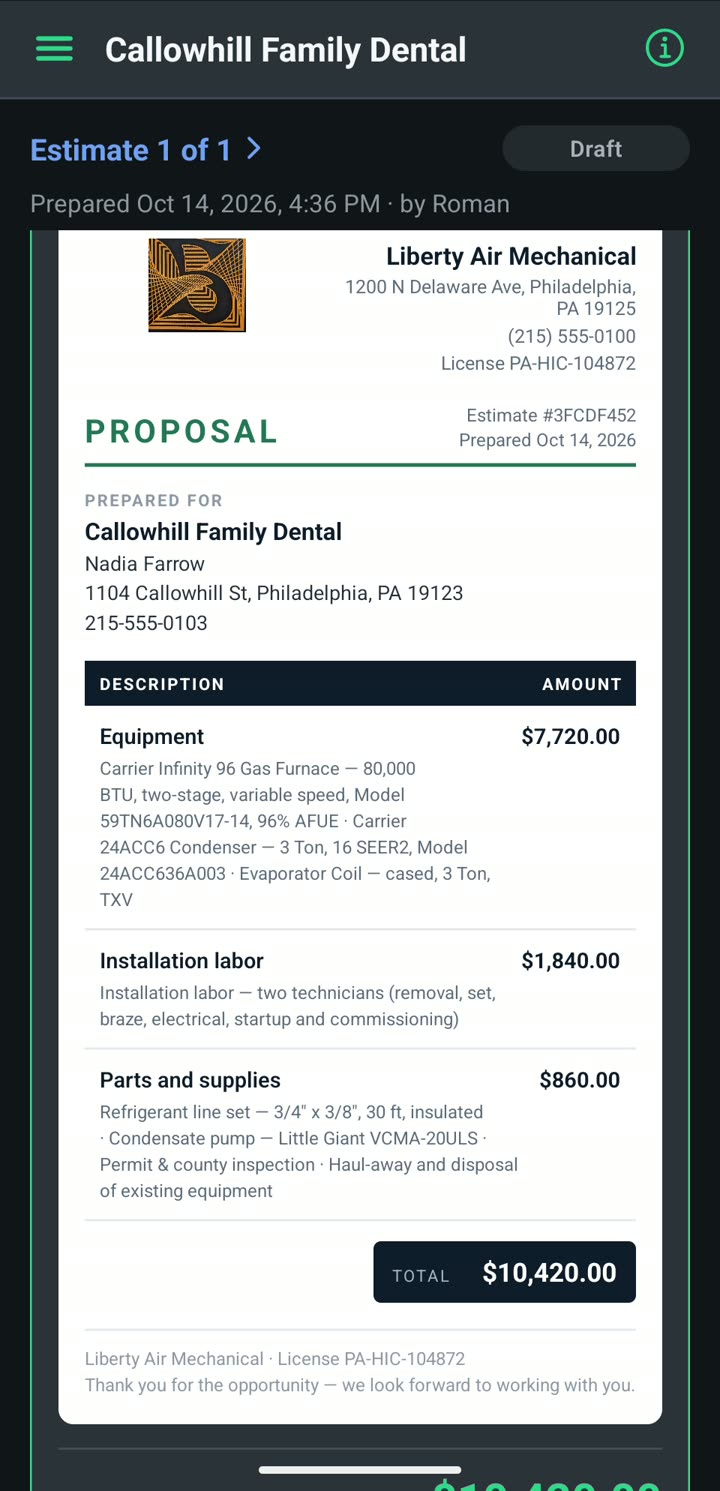 Step 11 of 11
A proposal before you leave the driveway
The estimate becomes a branded proposal you can check in the app, then send to the customer as a PDF.
Want to try it with your crew?
Merv is in a closed beta with a small number of HVAC contractors. Write to privacy@mervhvac.com and say a little about your shop.
Prefer to watch? The two-minute video covers the same job.